

Prerequisites
Before you begin, you’ll need:- A Discord account
- Manage Server permission on your target server
- A Discord bot application (we’ll create this below)
Create a Discord Application
1
Go to Discord Developer Portal
Visit discord.dev and sign in.
2
Create New Application
Click New Application, enter a name, and click Create.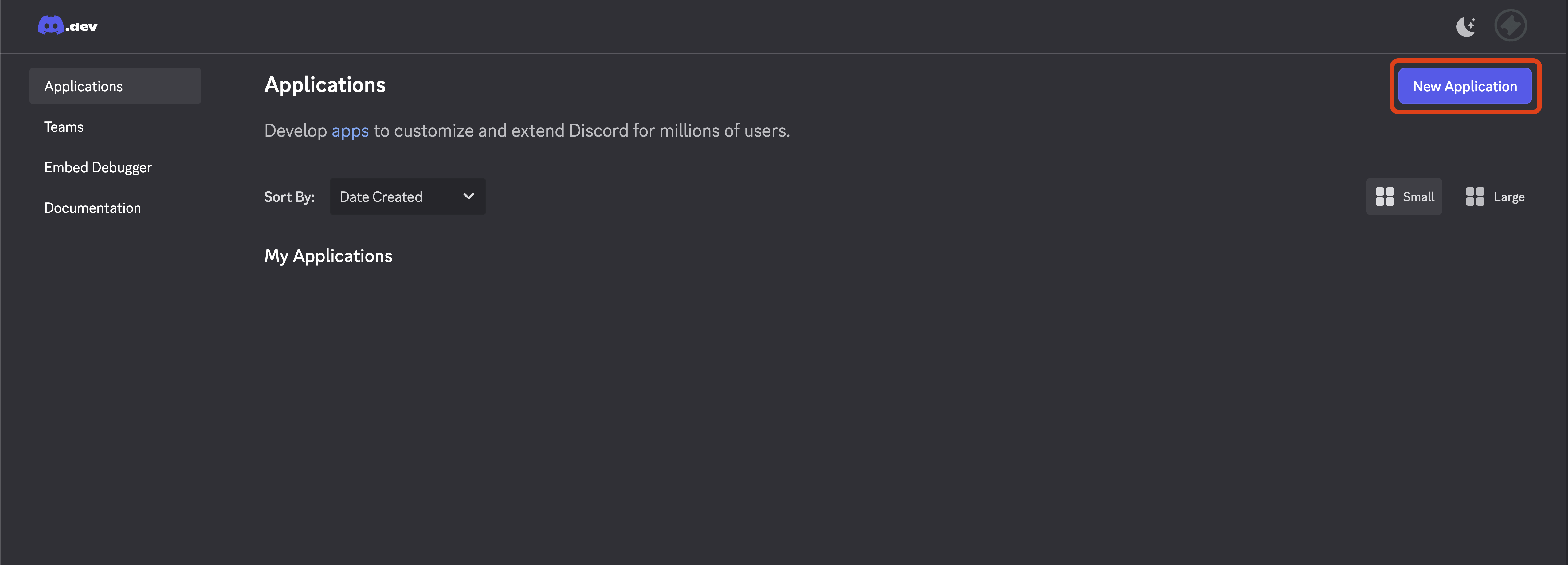
3
Create Bot User
Go to the Bot tab and click Add Bot.
4
Disable Public Bot
In the Bot tab, find Public Bot and turn it OFF (toggle should be gray, not blue). This prevents others from adding your bot to their servers.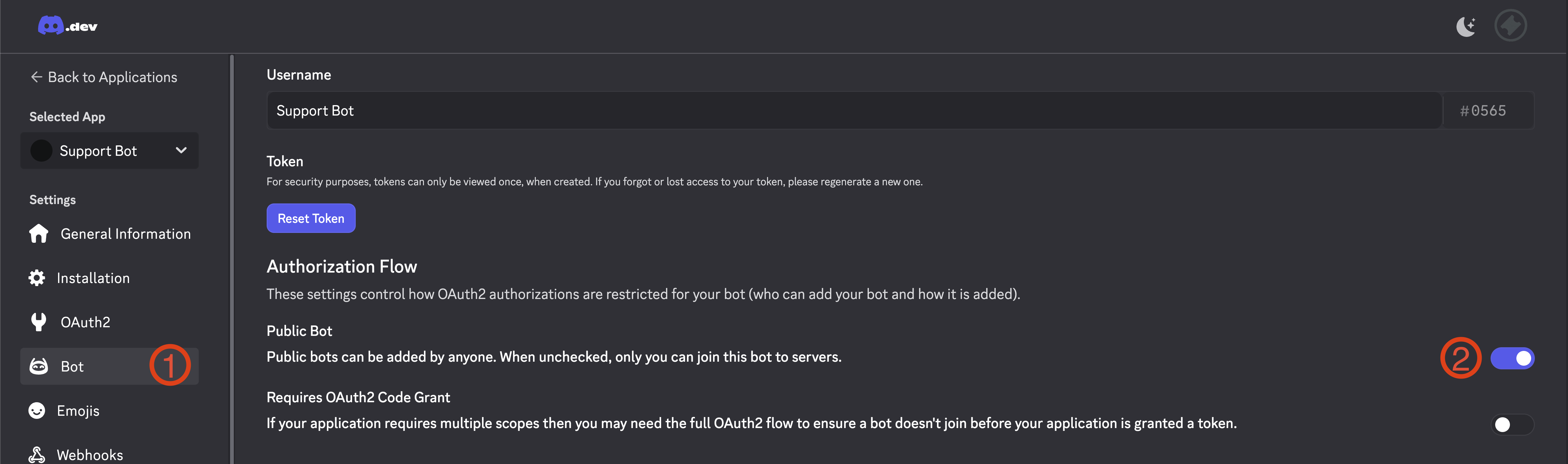
5
Enable Privileged Gateway Intents
In the Discord Developer Portal, open your application’s Bot page and enable these under Privileged Gateway Intents:
- Server Members Intent
- Message Content Intent
6
Copy Bot Token
Click Reset Token and copy the token. You’ll need this for TicketCord.
If you reset your token after adding the bot to TicketCord, your bot will go offline. To fix this, go to your bot in the dashboard and click Update Credentials to enter the new token. The bot will automatically restart once updated.
Connect to TicketCord
1
Sign in to Dashboard
Go to ticketcord.net/dashboard and sign in with Discord.
2
Add Custom Bot
Click Add Bot and enter your credentials:
- Client ID - Found in your Discord application’s General Information
- Client Secret - Found in your Discord application’s OAuth2 settings
- Bot Token - The token you copied earlier
Validation checks your credentials and connection. If it fails with a “disallowed intent” (4014) error, go back to the Developer Portal and enable the two Privileged Gateway Intents, then validate again.
3
Validate & Create
Click Validate & Continue. TicketCord will verify your credentials and display your bot’s information. Review and click Create Bot to finish.
4
Invite to Server
From your bot’s dashboard, click Invite and select your server. This ensures all required permissions are configured correctly.
Required Permissions
TicketCord bots need these permissions to function properly:When you invite your bot through the TicketCord dashboard, all required permissions are automatically configured for you.
Next: Configuration
Configure your bot’s ticket system